Windows
Windows User Guide
1. Double-click the installer and follow the on-screen instructions to complete the installation, or unzip the portable version and open the client directly.
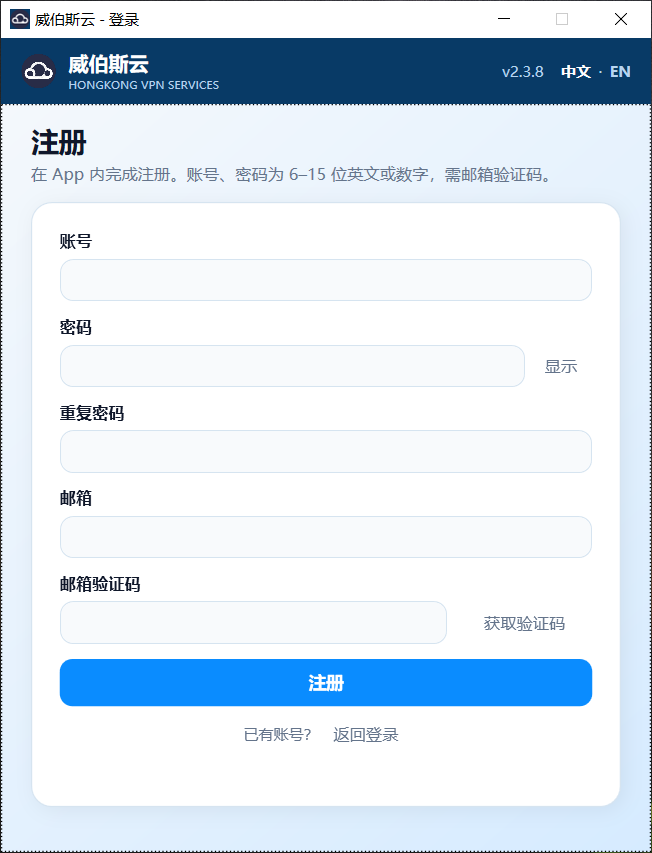
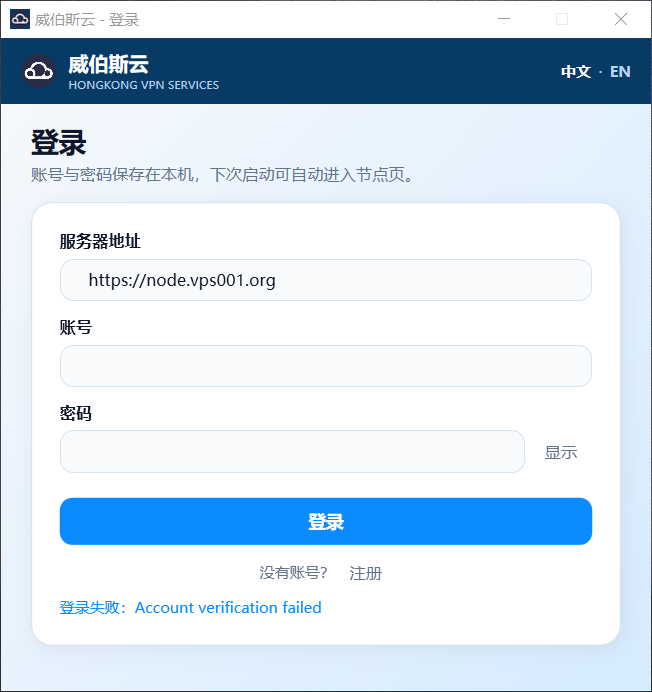
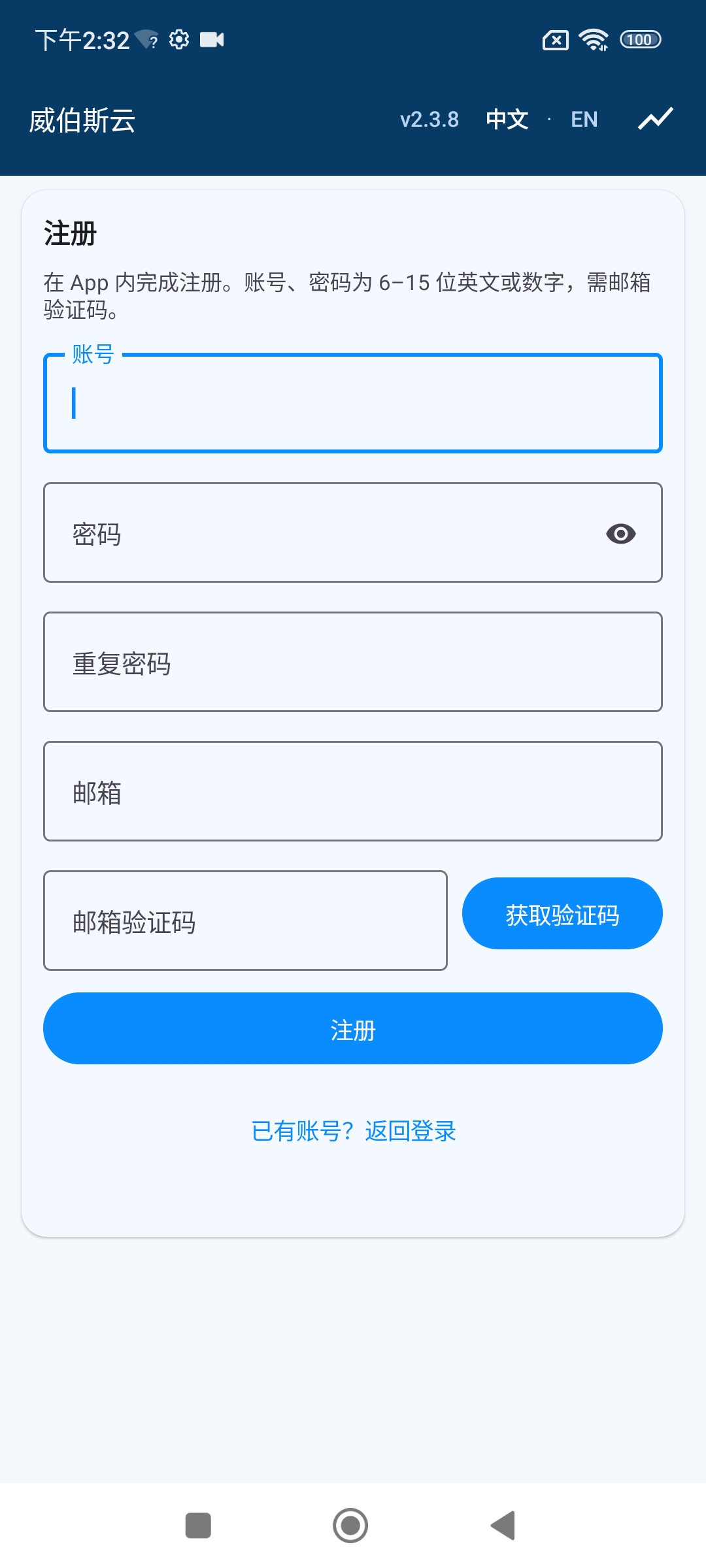
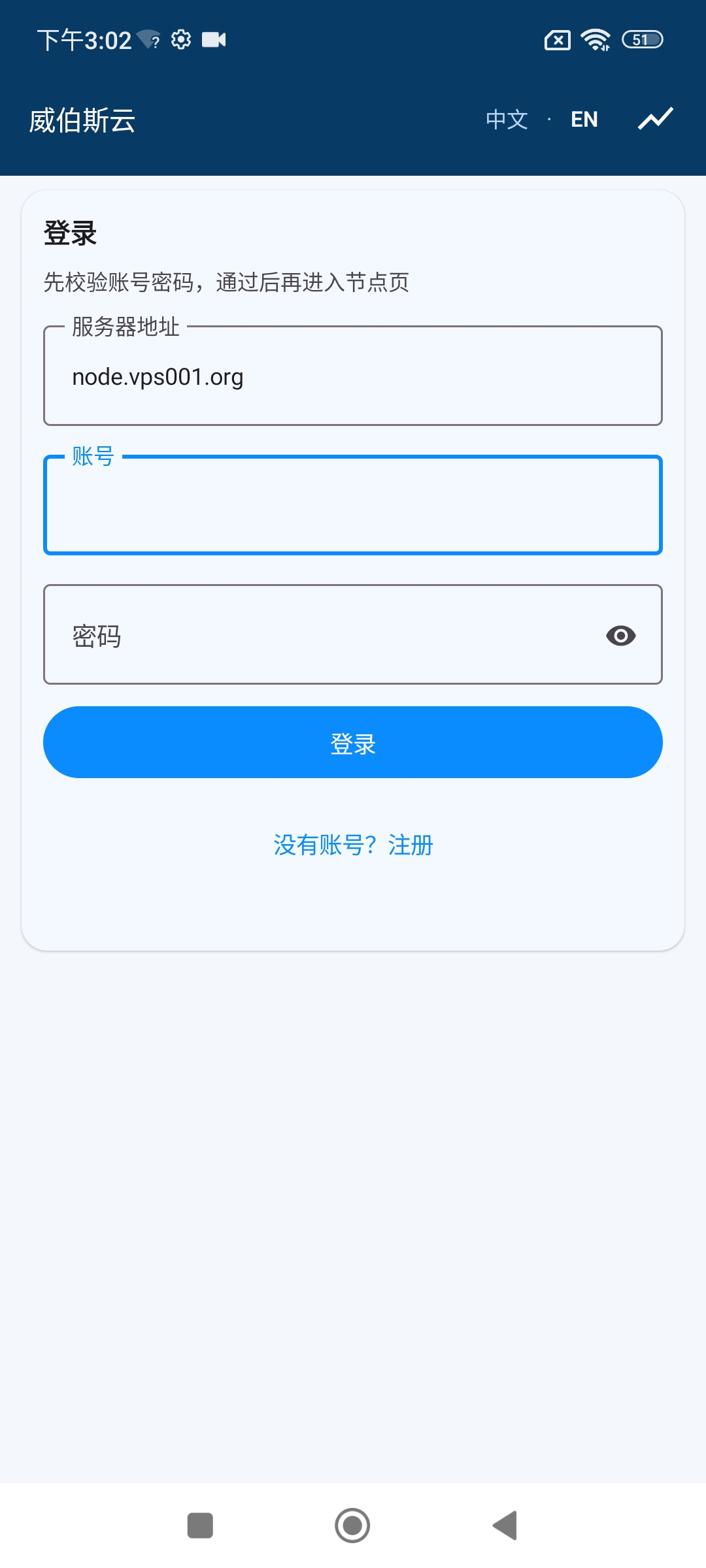
2. On the login page, enter the server address, username, and password in that order, or click the registration page to create a new account and then log in.
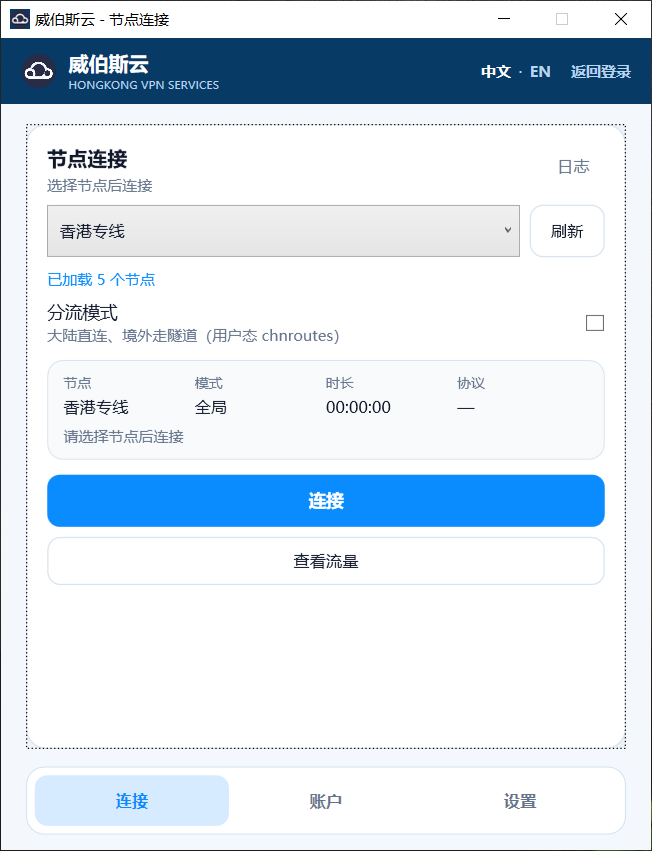
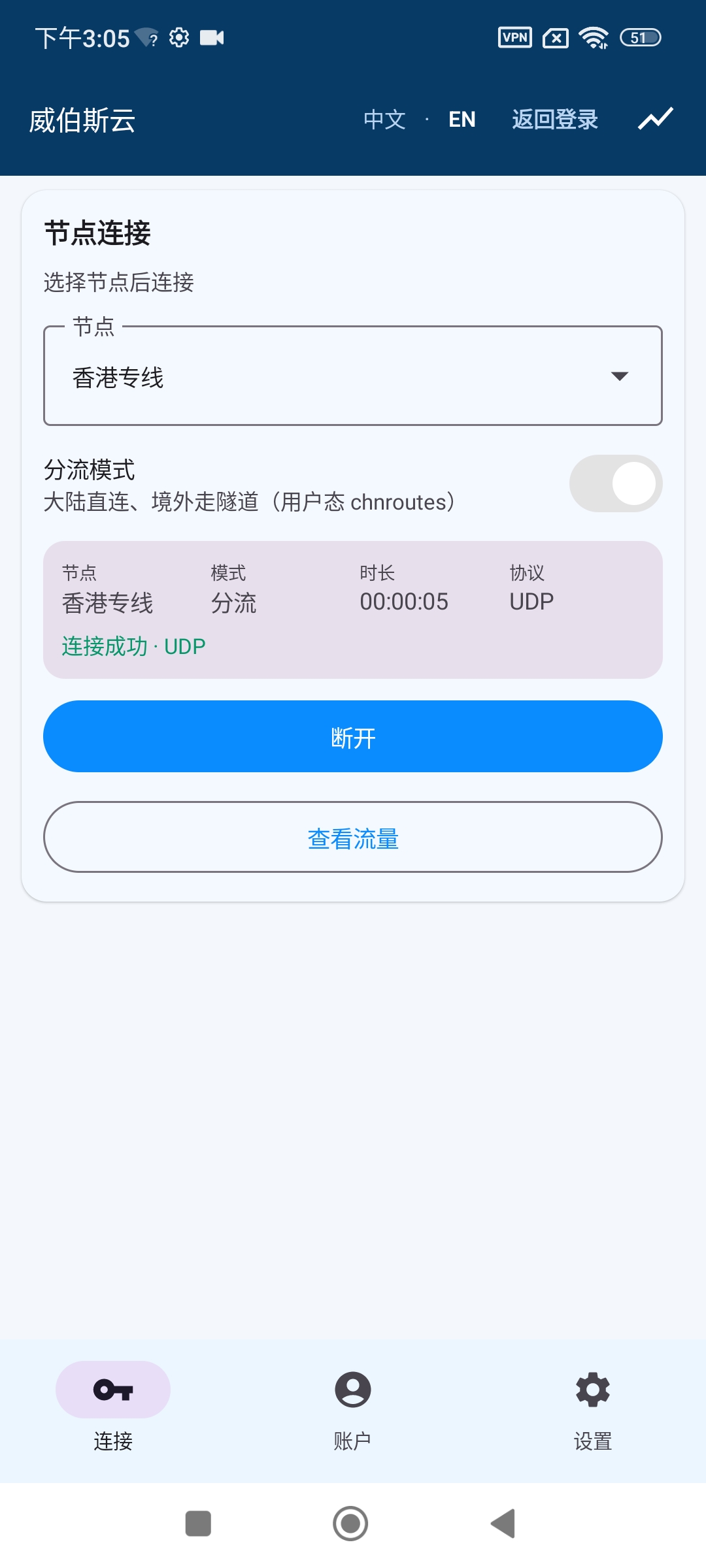
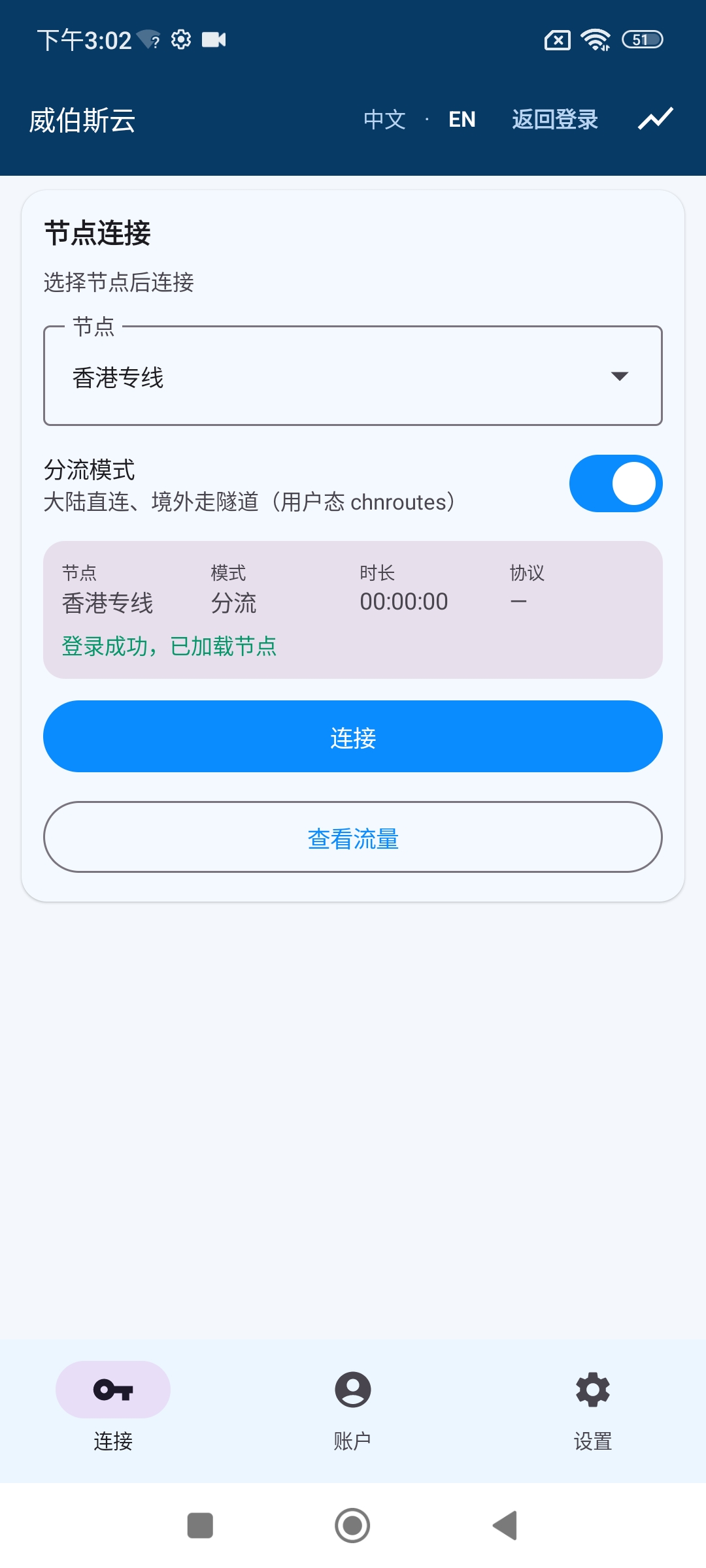
3. After successfully logging in, go to the connection page. Select a node and choose whether to enable traffic splitting as needed, then click “Connect.
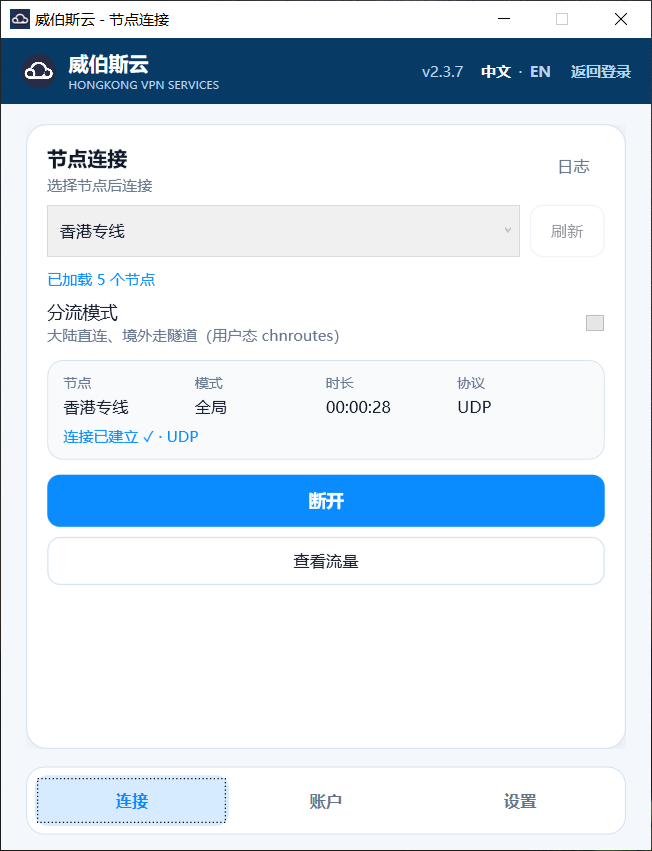
4. Once connected, you can use the client normally. To switch nodes or adjust traffic splitting settings, return to the connection page to make changes.
Android
Android User Guide
1. Download the installer to your phone, go to Settings and select “Allow installation of apps from unknown sources,” then install the client and open it.
2. On the login page, enter the server address, username, and password in that order, or click the registration page to create a new account and then log in.
3. After successfully logging in, go to the connection page. Select a node and choose whether to enable traffic splitting as needed, then click “Connect.
4. Once connected, you can use the client normally. To switch nodes or adjust traffic splitting settings, return to the connection page to make changes.
MacOS端
Windows Client Download
Download the Windows Installer Version
Download the Windows Portable Version
下载Windows7/8 安装版